
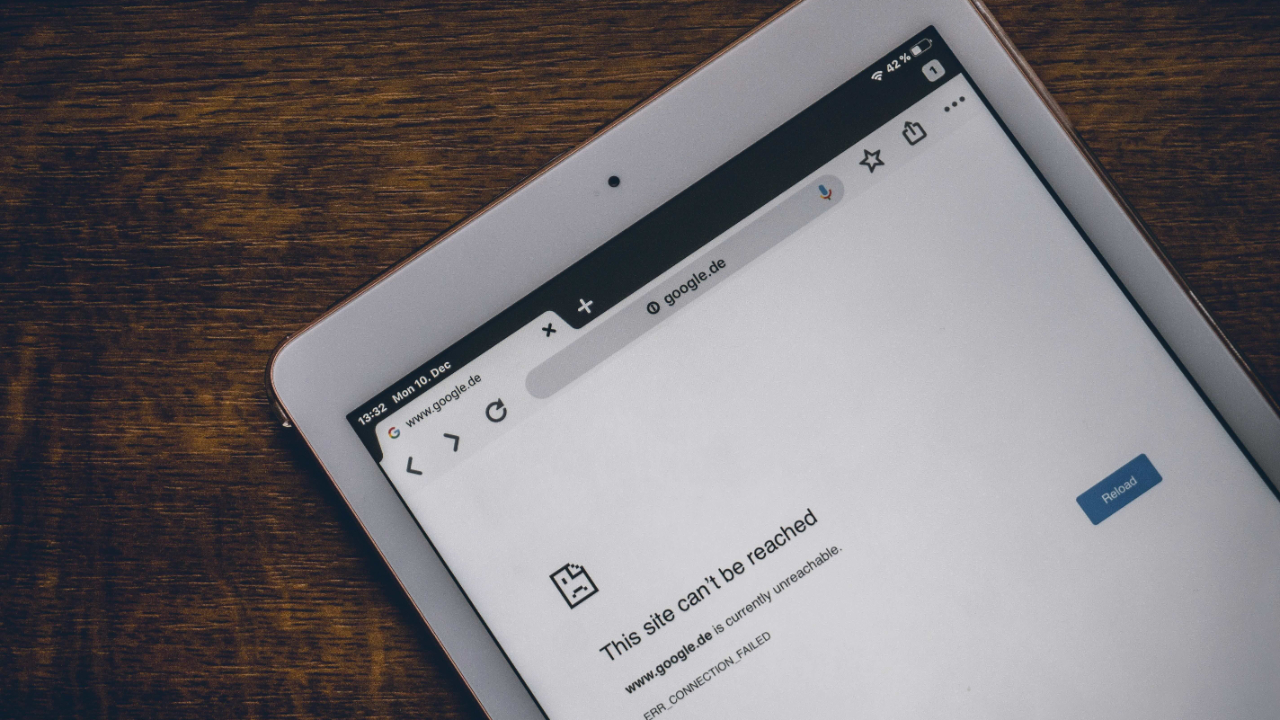
How to Prevent Website Downtime
Mar 31, 2026As your website is your business’s online address, it’s essential to be available 24/7. If people can’t access your site, you lose traffic, your site’s SEO rankings may slip, and your brand’s reputation could be lost. Luckily, you can prevent this and prevent website downtime. Here, we show you how and explain what to do if this happens.
What is Website Downtime?
Website downtime means that people cannot access your site, or it isn’t operating as it should. You can have either full or partial website downtime. Full website downtime involves visitors not being able to access your site, and those who try receive error messages. Partial website downtime is usually because of internal server errors. This means the site takes forever to load, and often occurs in a timeout, or a site functioning incorrectly, especially regarding checkout on online stores, filling in forms, or people trying to log in and being unable to. This type of downtime can take a few minutes or days, and puts your site at risk, as customers may leave and not return.
If the online store on your website is affected, this can be disastrous, even if it only happens for a short period. Customers could lose trust in your brand, leave and not return.
Search engines always include downtime and uptime when ranking algorithms. In other words, website loading speeds and responsiveness is accountable. If the site often experiences downtime, you will have lower rankings, fewer visitors, and you’ll lose money.
What Causes Downtime?
- Technical failures: This could be various issues caused because of a faulty hard drive, or your power goes down, or you lose a network connection. It could also be a sudden spike in traffic, not enough disk space or RAM, corrupted files, or your storage is full… there are so many reasons this could happen. Sadly, these happen without any warning, and your website becomes inaccessible.
- Security issues: If hackers target your website with DDoS attacks, at server level, or files are corrupted, your website won’t load, and if it does, it doesn’t load properly. This issue is often caused by u outdated software, which is why you must update your software regularly.
- Human error: We’re human, and we make mistakes. This could be because you input an incorrect code, or delete a file in error, or don’t update your software properly.
How to Prevent Website Downtime
Use these tools to keep your website online:
1. Optimise Performance
If your website isn’t optimised properly, you can slow down or overload the site. To stop this happening, ensure your images aren’t too large by compressing them. To cut down on RAM, don’t run too many plugins at once and optimise your database. Prevent any issues by increasing speed, compressing your images, minifying files, optimising code and using caching. Also, use a CDN (Content Delivery Network) to reduce server load and check regularly for bottlenecks.
2. Secure Your Site
To prevent downtime, security breaches and cyberattacks, always update plugins, software and themes. Use Web Application Firewalls (WAFs), and DDoS protection to ensure malicious traffic doesn’t reach your site. Have security systems in place to detect anything unusual and regularly do security checks to stop suspicious behaviour. It’s also important to use strong passwords, limit the number of people who have permission to access your files, and have SSL certificates in place to stop unauthorised activity.
3. Use Early Warning Systems
These monitoring tools will detect anything suspicious before an outage is caused. When something goes wrong, they immediately email you alerts, or send you SMS messages, and warnings on your dashboard. Also, monitor your server log for early detection of any issues.
4. Sudden Traffic Spikes
These can happen after a promotion or marketing campaign, or through viral content. If you’re planning to attract lots of traffic, absorb the extra load by optimising your site (see above). The best way to do this is to have a scalable hosting plan that lets you have extra space when you need it. (We discuss hosting plans below.)
5. Reliable Hosting
A reputable hosting provider will give you a stable, high-performance system with a stable network. It will monitor your site at server level to ensure it doesn’t overload or fail. First prize is a 99% uptime guarantee, scalable hosting plans that handles sudden traffic spikes (see above) and expert technical support. A good hosting system will also provide regular backups, maintenance and built-in security measures. Remember: if you use Wordpress, ensure your hosting is specifically optimized for this.
6. Updates & Maintenance
Updates and maintenance need to be regularly done. Update your plugins, CMS software, tools and themes. This way your website stays free of bugs and performance issues and is secure. Good maintenance includes checking error logs, renewing software licences and certificates and updating file permissions.
7. Trustworthy Themes & Plugins
Extend your website functionality by using trustworthy themes and plugins, as unreliable ones can cause your site to crash, breach security and break functionality when you update. Reduce mistakes and failures by limiting the number of plugins you use.
8. Backups
One never knows when something can go wrong, so always have a backup or two handy to avoid downtime and data loss. Update your files, databases and customer information regularly. A disaster recovery plan will restore your site quickly.
What to Do When Your Website Goes Down
No matter how well you secure your site and follow all the rules, your site may still go down. Here’s how to ensure this is a short issue, not a major breakdown:
- Find out whether this is a local or more widespread issue. If it’s global, it’s likely to be an issue with the server or your host.
- A website monitoring tool tells you whether it’s an alert for server downtime, a database error, or a security threat. Your hosting control panel will also alert you about the issue. It will let you know whether you can fix the issue, or your hosting provider will sort it for you.
- Find out how long it will take for your site to be running again, and let your customers know, either via email, or social media. To reassure them, keep them updated with what is happening until the issue is sorted
- Once your website is working again, find out what went wrong, whether it was a server overload, a security breach, a plugin error, or something else. Use this knowledge to ensure the issue doesn’t happen again.
Don't miss a beat!
New articles, tools, and offers delivered to your inbox.
We hate SPAM. We only use your email to deliver you valuable information.
